BenQ
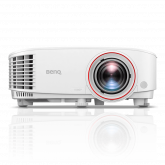
TH671ST
- Brightness
- 3,000 lm
- Resolution
- 1080p
- Throw ratio
- 0.69–0.83:1
Budget 1080p short throw for smaller, darker screens.
Check whether a projector fits your room before you plan the mount. Use the throw ratio to work out room depth, then confirm brightness against your screen size and lighting. BenQ publishes golf-specific lens data, so its short-throw models are the worked examples here.
These are not the only projectors that work in a golf bay, but BenQ publishes golf-specific throw and lens data for this range, which makes them easier to plan. Selecting a model in the 3D room planner sets the throw ratio to the wide end of its zoom range.
| Model | Brightness | Resolution | Throw ratio | Best for |
|---|---|---|---|---|
| TH671ST | 3,000 lm | 1080p | 0.69–0.83:1 | Budget 1080p short throw for smaller, darker screens. |
| LU710 | 4,000 lm | WUXGA | 1.13–1.46:1 | Standard throw; needs a deep room and a rear mount. |
| MX825STH | 3,500 lm | XGA | 0.61:1 | 4:3 XGA for basic practice images on a budget. |
| LU935ST | 5,500 lm | WUXGA | 0.81–0.89:1 | High-brightness WUXGA for very large or lit rooms. |
| TK700ST | 3,000 lm | 4K UHD | 0.9–1.08:1 | 4K for rooms deep enough for a 0.9–1.08 throw. |
| LK936ST | 5,100 lm | 4K UHD | 0.81–0.89:1 | 4K with a longer zoom range when the mount sits farther back. |
| LK954ST | 5,100 lm | 4K UHD | 0.81–0.89:1 | 5,100-lumen 4K laser with the same 0.81–0.89 zoom. |
| LW600ST | 2,800 lm | WXGA | 0.72–0.87:1 | WXGA for small screens in a dark room. |
| LH600ST | 2,500 lm | 1080p | 0.69–0.83:1 | Entry 1080p for small, fully dark rooms. |
| TK710STi | 3,200 lm | 4K UHD | 0.69–0.83:1 | 3200-lumen 4K with a 0.69–0.83 short-throw zoom. |
| AH700ST | 4,000 lm | 1080p | 0.69–0.83:1 | Bright 1080p for budget builds and 8–10 ft images. |
| LH835ST | 4,000 lm | 1080p | 0.69–0.83:1 | 4000-lumen 1080p with a 0.69–0.83 zoom lens. |
| AH500ST | 4,000 lm | 1080p | 0.499:1 | Fixed short throw for tight rooms and short mounts. |
| AK700ST | 4,000 lm | 4K UHD | 0.69–0.83:1 | 4K image at a lower brightness for controlled-light rooms. |
| AH30ST | 3,000 lm | 1080p | 0.69–0.83:1 | Entry 1080p LED with a 0.69–0.83 zoom lens. |
| LK835ST | 4,000 lm | 4K UHD | 0.69–0.83:1 | 4000-lumen 4K with a 0.69–0.83 zoom lens. |
| AW30ST | 3,200 lm | WXGA | 0.72–0.87:1 | WXGA LED for smaller images and dark rooms. |
| LH600ST+ | 3,000 lm | 1080p | 0.69–0.83:1 | Entry 1080p for dark rooms and smaller screens. |
| LW600ST+ | 3,200 lm | WXGA | 0.72–0.87:1 | 3,200-lumen WXGA with a short-throw zoom lens. |
| LH830ST | 4,000 lm | 1080p | 0.496:1 | 4000-lumen 1080p at a fixed 0.496 throw. |
| LK830ST | 4,000 lm | 4K UHD | 0.496:1 | 4000-lumen 4K at a fixed 0.496 throw for shallow rooms. |
| BR9708 (TR 1–1.6) | 2,600 lm | 4K UHD | 1–1.6:1 | Interchangeable-lens 4K body with the standard-throw lens. |
| BR9708 (TR 0.5) | 2,600 lm | 4K UHD | 0.5:1 | Compact 4K short throw; best in a fully dark room. |
| BR9708 (TR 0.7–0.9) | 2,600 lm | 4K UHD | 0.7–0.9:1 | Interchangeable-lens 4K body with a short-throw zoom lens. |
| LH860ST | 5,000 lm | 1080p | 0.5:1 | 5,000-lumen 1080p at a fixed 0.5 throw. |
| AK900ST | 6,000 lm | 4K UHD | 0.81–0.89:1 | 6,000-lumen 4K laser for large or bright bays. |
| AK800ST | 5,000 lm | 4K UHD | 0.69–0.83:1 | Bright 4K for large images and rooms with some ambient light. |
Images and specifications are from BenQ product pages. Open a model's spec page for the full lens, input, and installation details.
Budget 1080p short throw for smaller, darker screens.
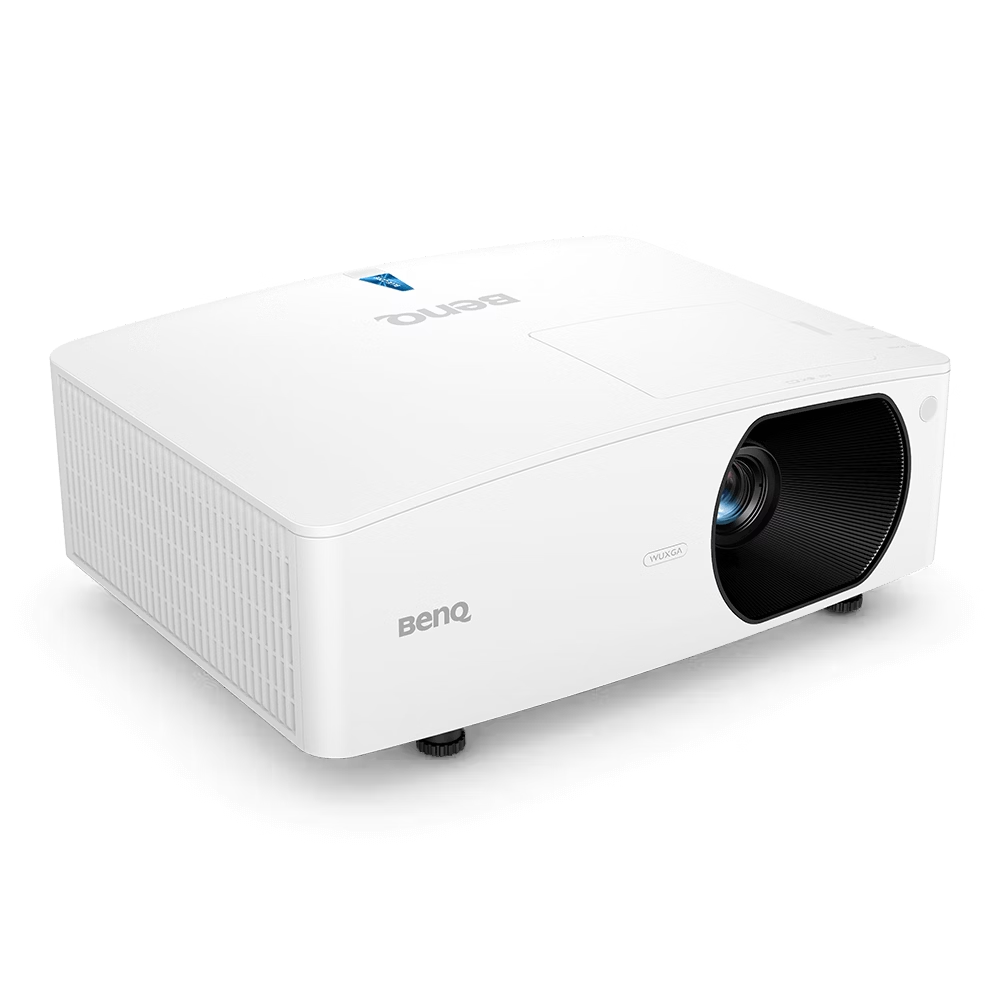
Standard throw; needs a deep room and a rear mount.
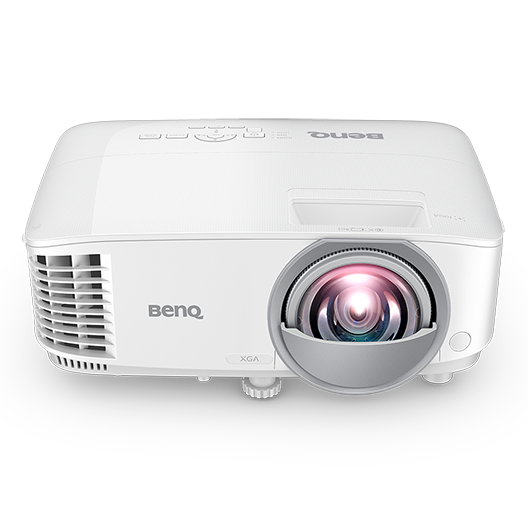
4:3 XGA for basic practice images on a budget.
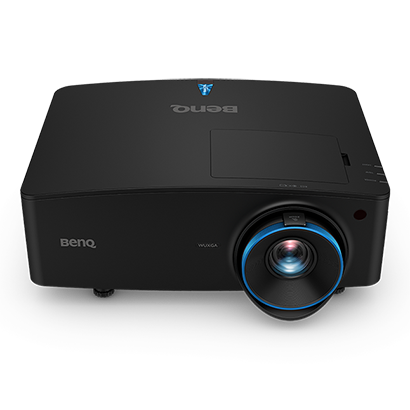
High-brightness WUXGA for very large or lit rooms.
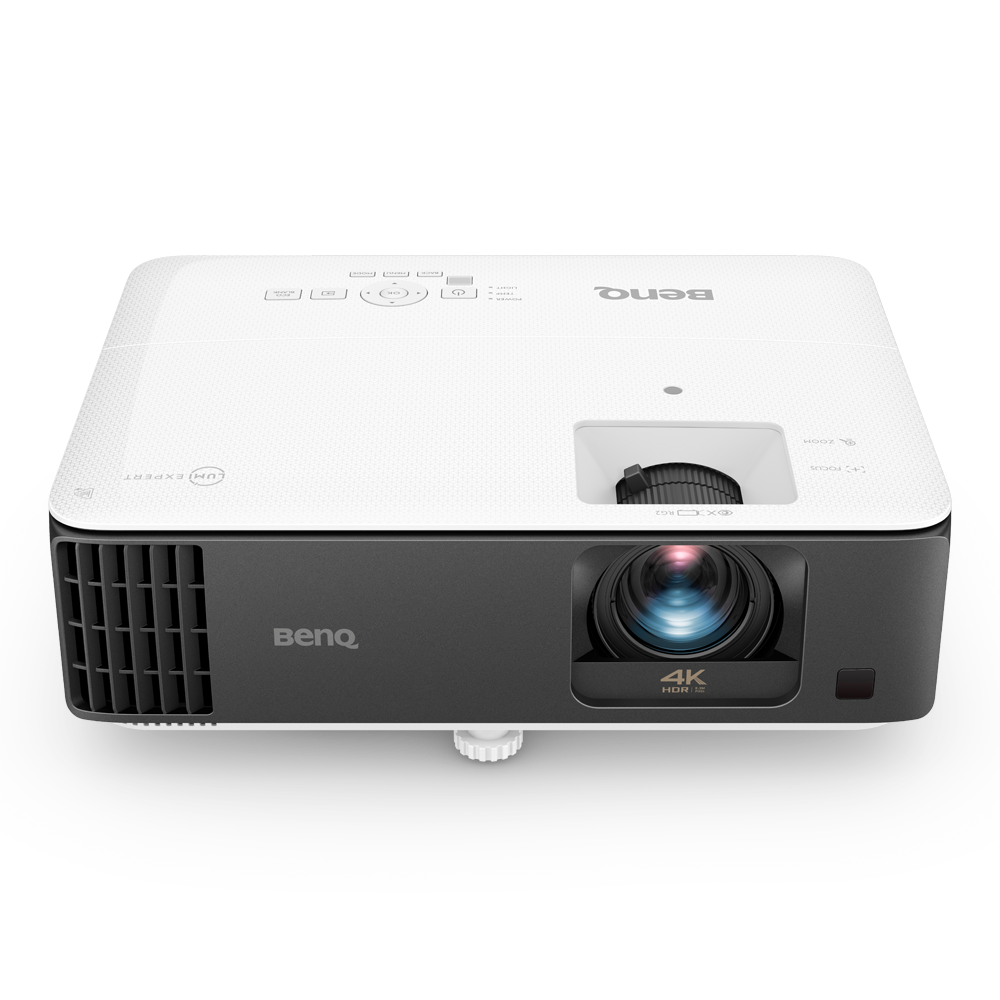
4K for rooms deep enough for a 0.9–1.08 throw.
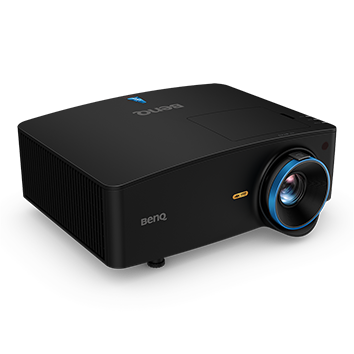
4K with a longer zoom range when the mount sits farther back.
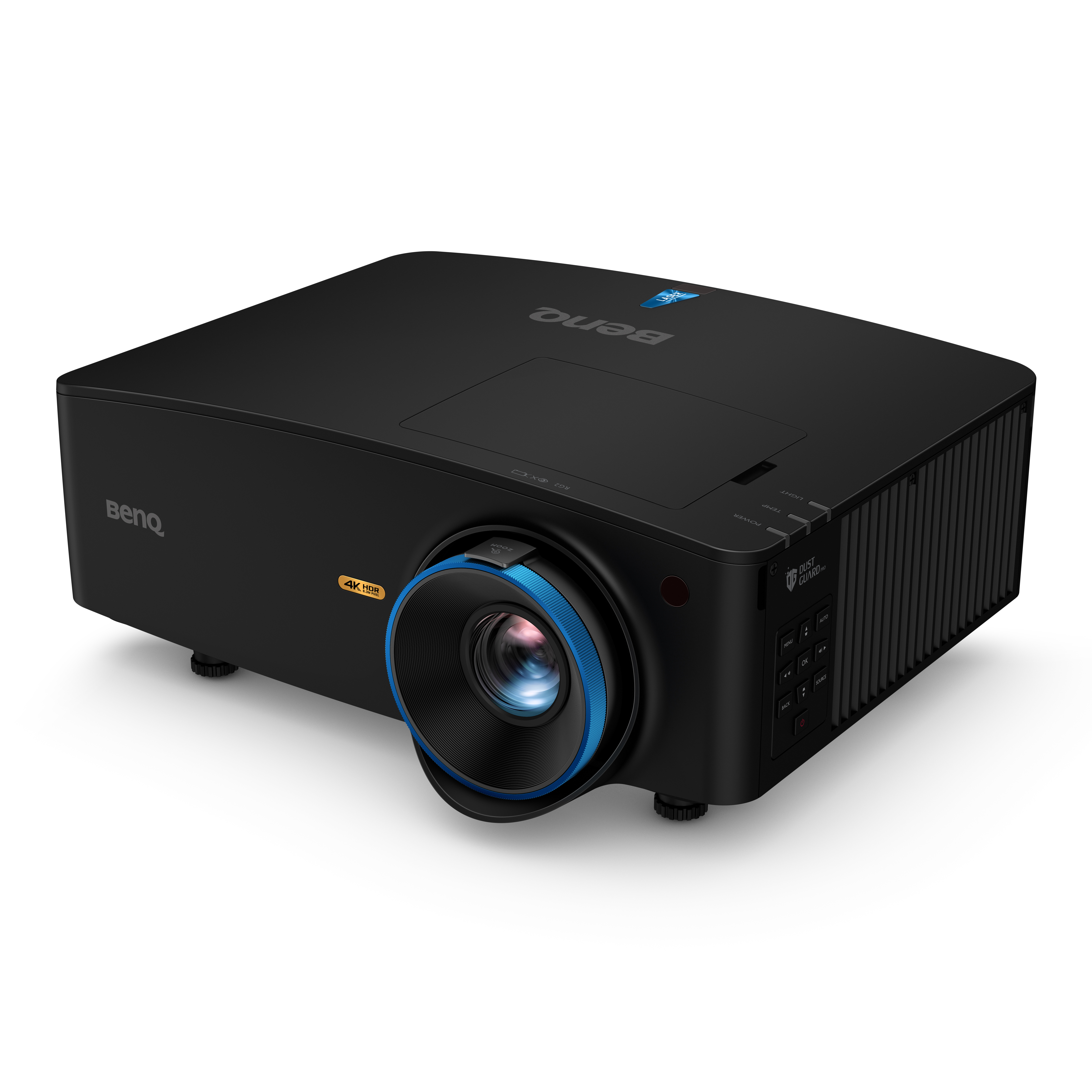
5,100-lumen 4K laser with the same 0.81–0.89 zoom.
WXGA for small screens in a dark room.
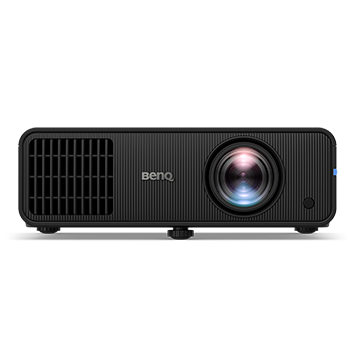
Entry 1080p for small, fully dark rooms.
3200-lumen 4K with a 0.69–0.83 short-throw zoom.
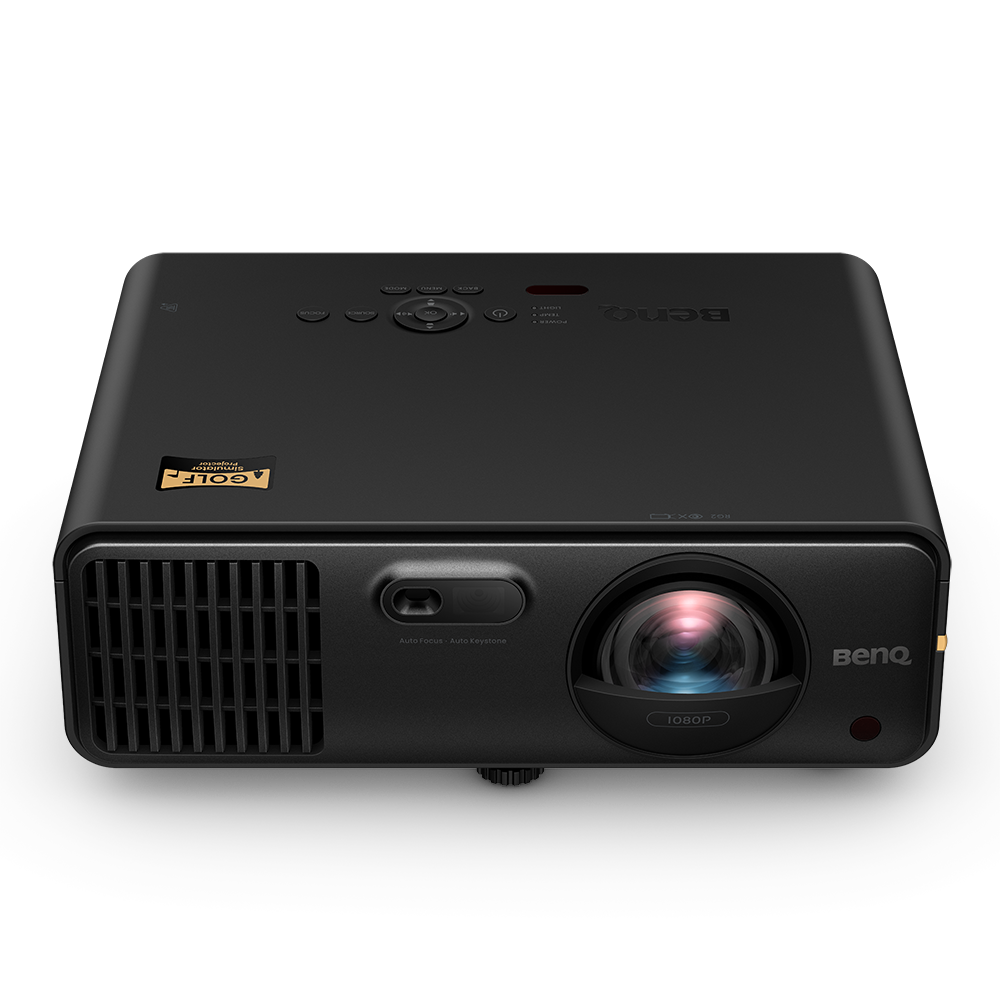
Bright 1080p for budget builds and 8–10 ft images.
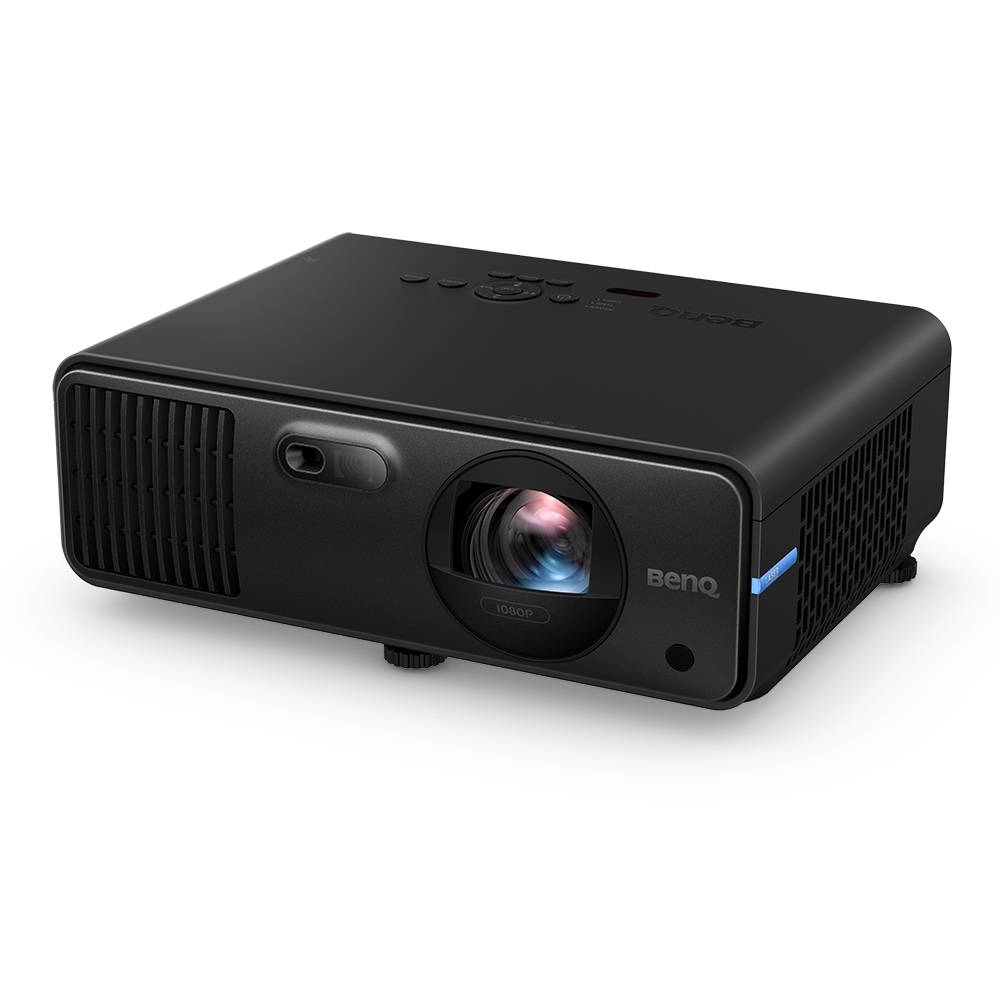
4000-lumen 1080p with a 0.69–0.83 zoom lens.
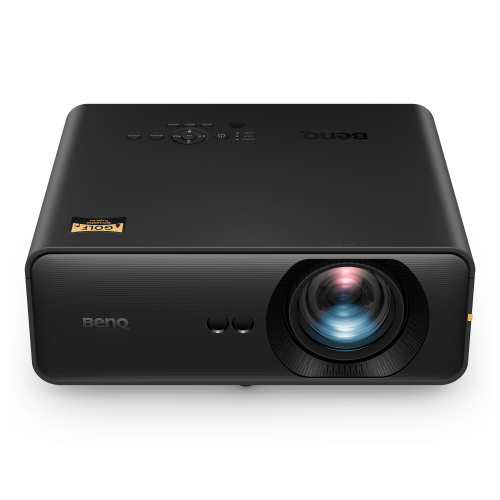
Fixed short throw for tight rooms and short mounts.
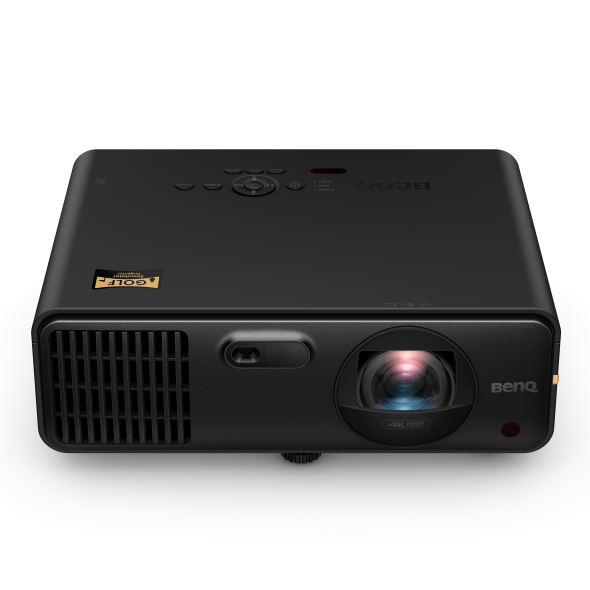
4K image at a lower brightness for controlled-light rooms.
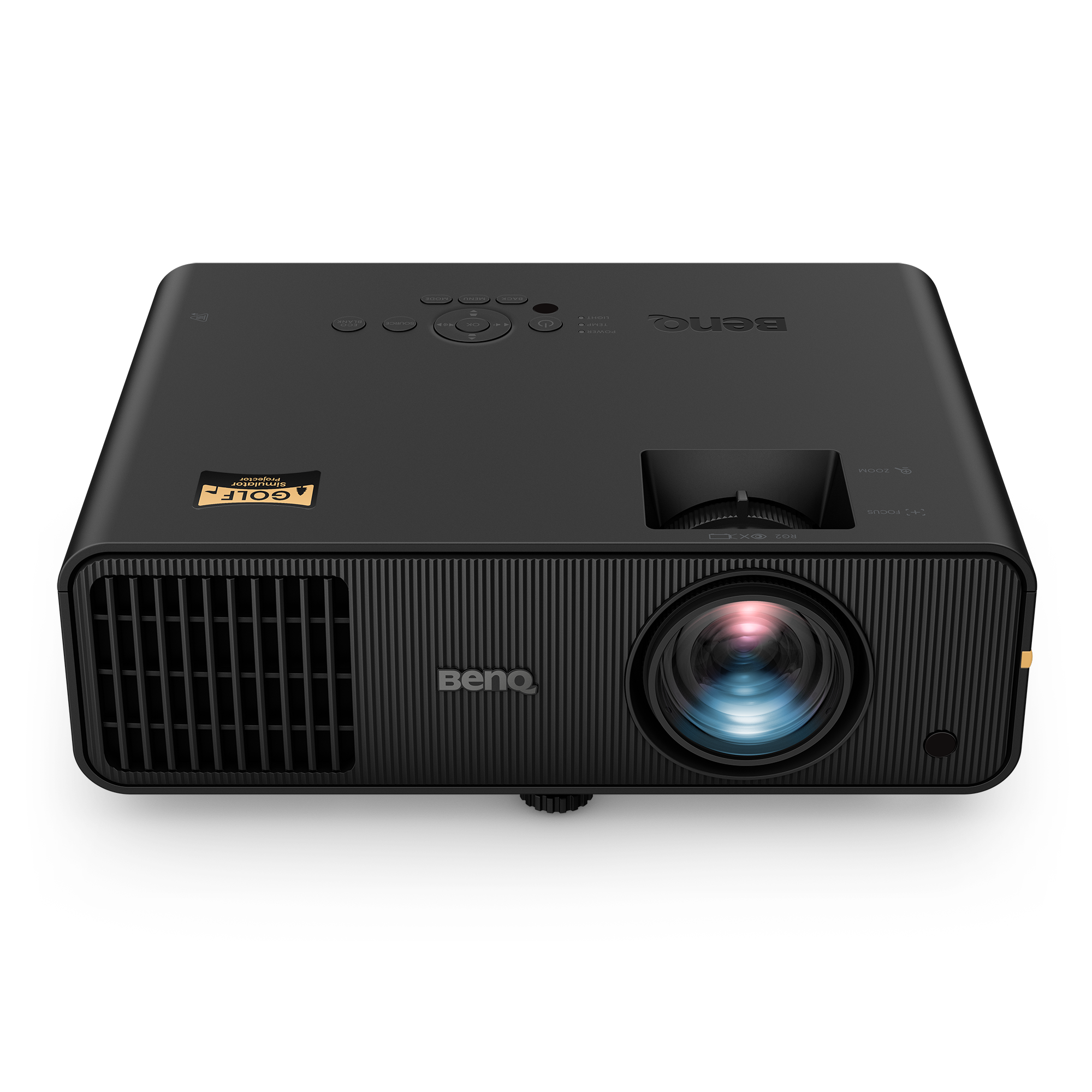
Entry 1080p LED with a 0.69–0.83 zoom lens.
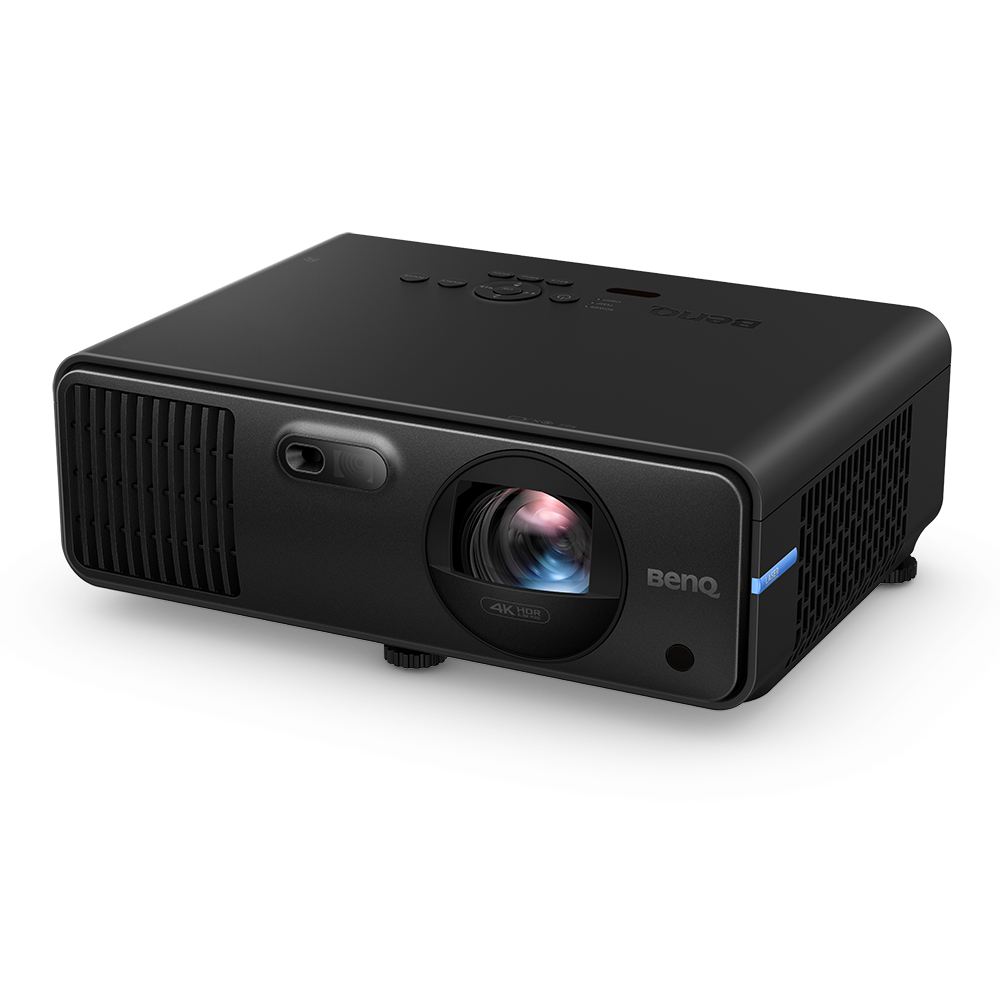
4000-lumen 4K with a 0.69–0.83 zoom lens.
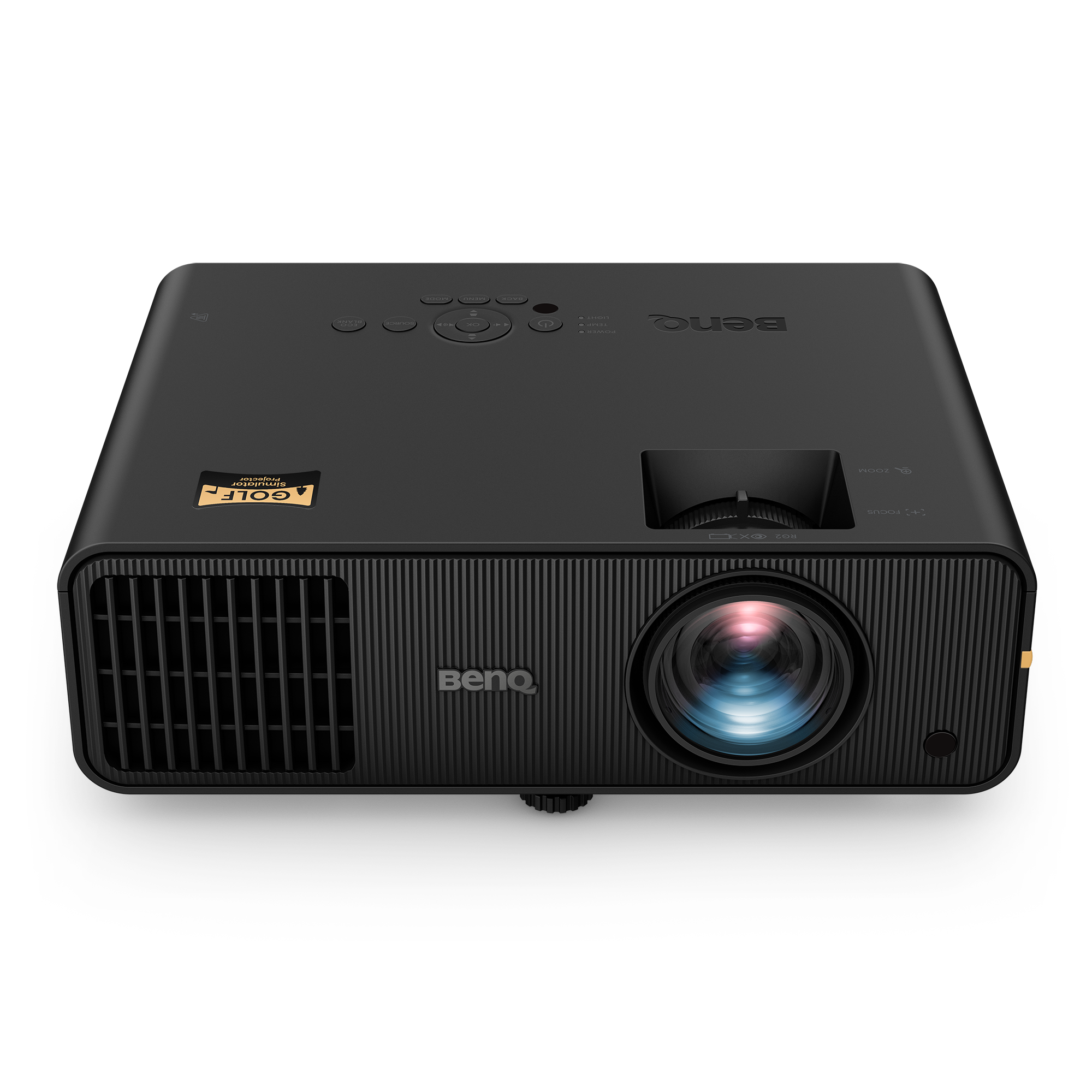
WXGA LED for smaller images and dark rooms.

Entry 1080p for dark rooms and smaller screens.

3,200-lumen WXGA with a short-throw zoom lens.
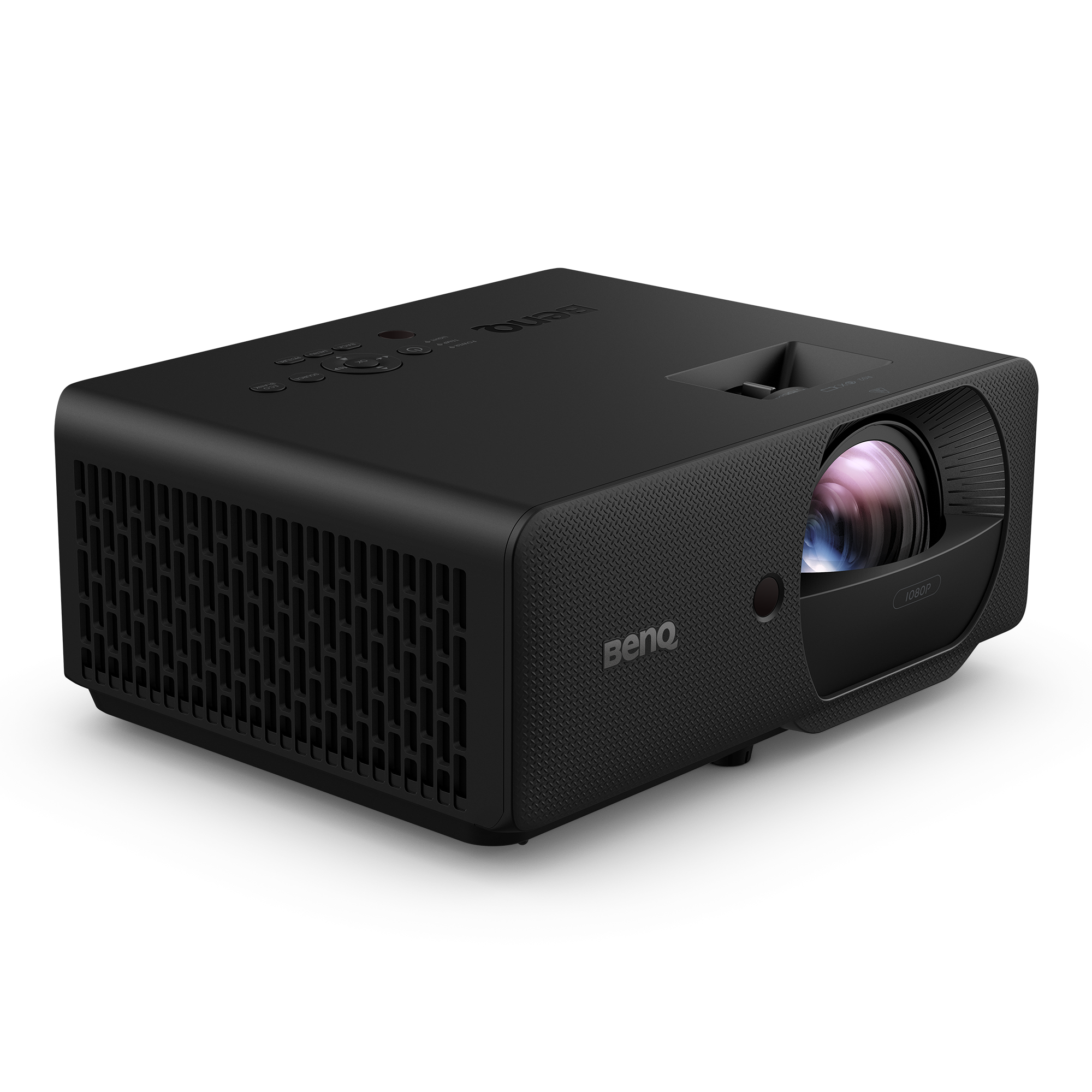
4000-lumen 1080p at a fixed 0.496 throw.
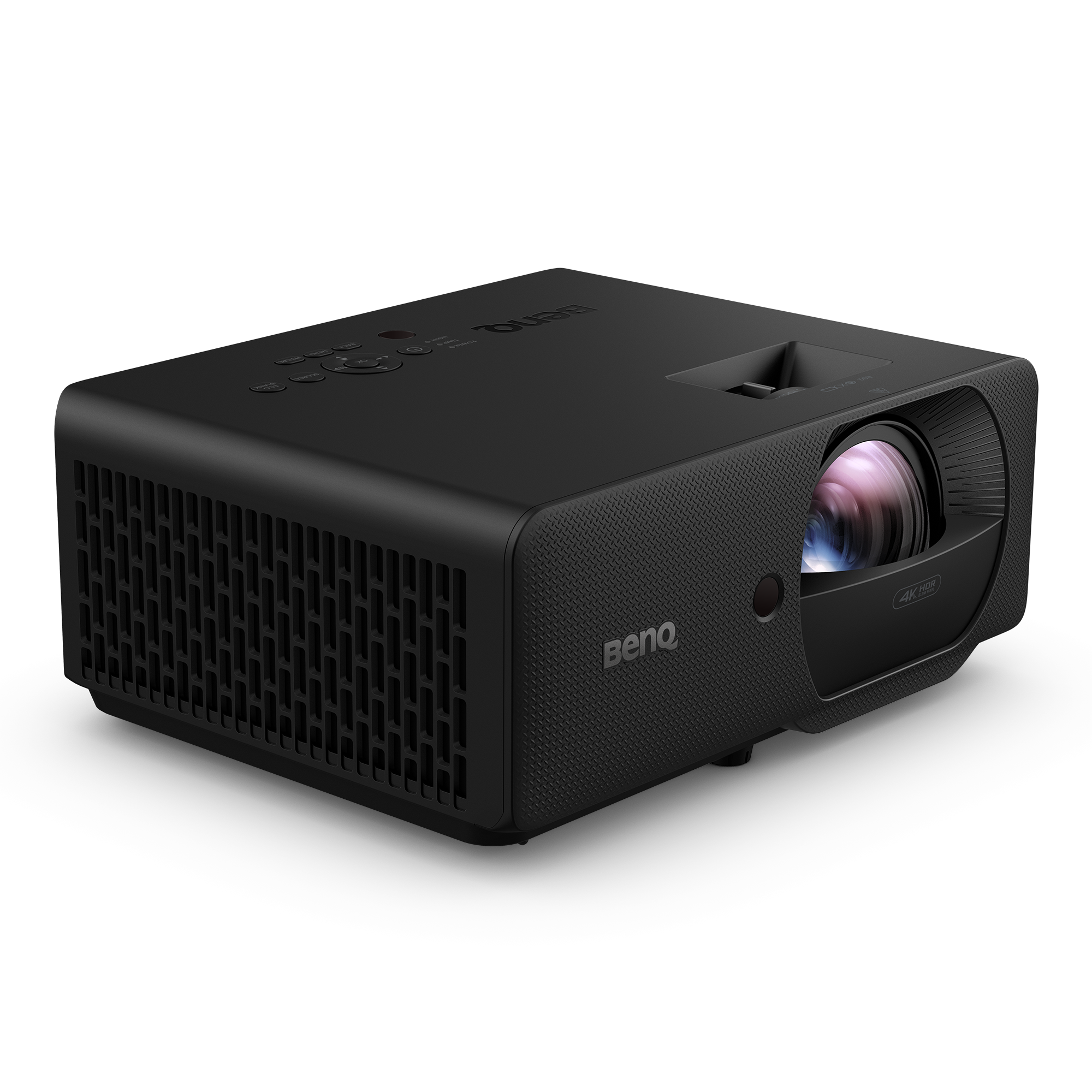
4000-lumen 4K at a fixed 0.496 throw for shallow rooms.
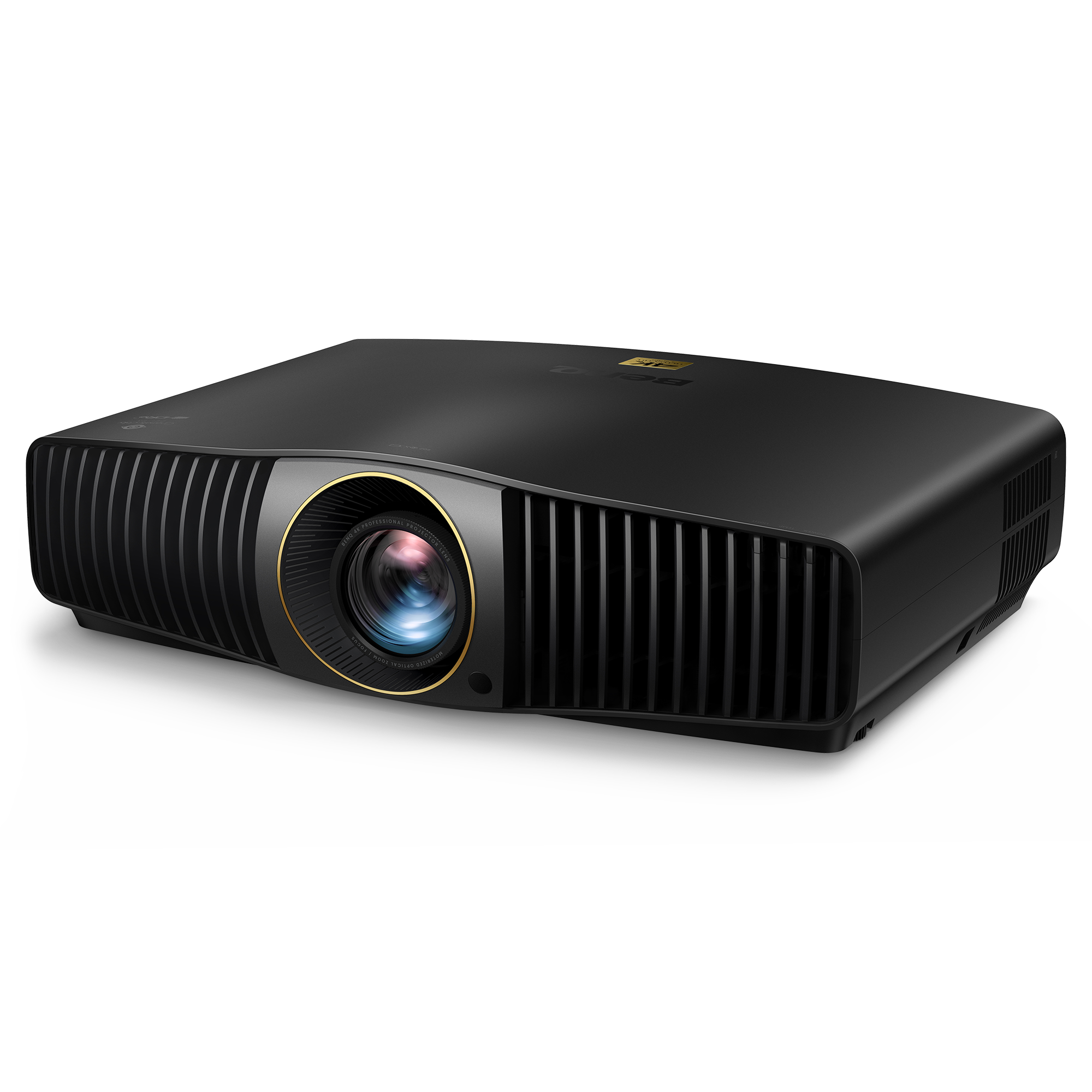
Interchangeable-lens 4K body with the standard-throw lens.
Compact 4K short throw; best in a fully dark room.
Interchangeable-lens 4K body with a short-throw zoom lens.
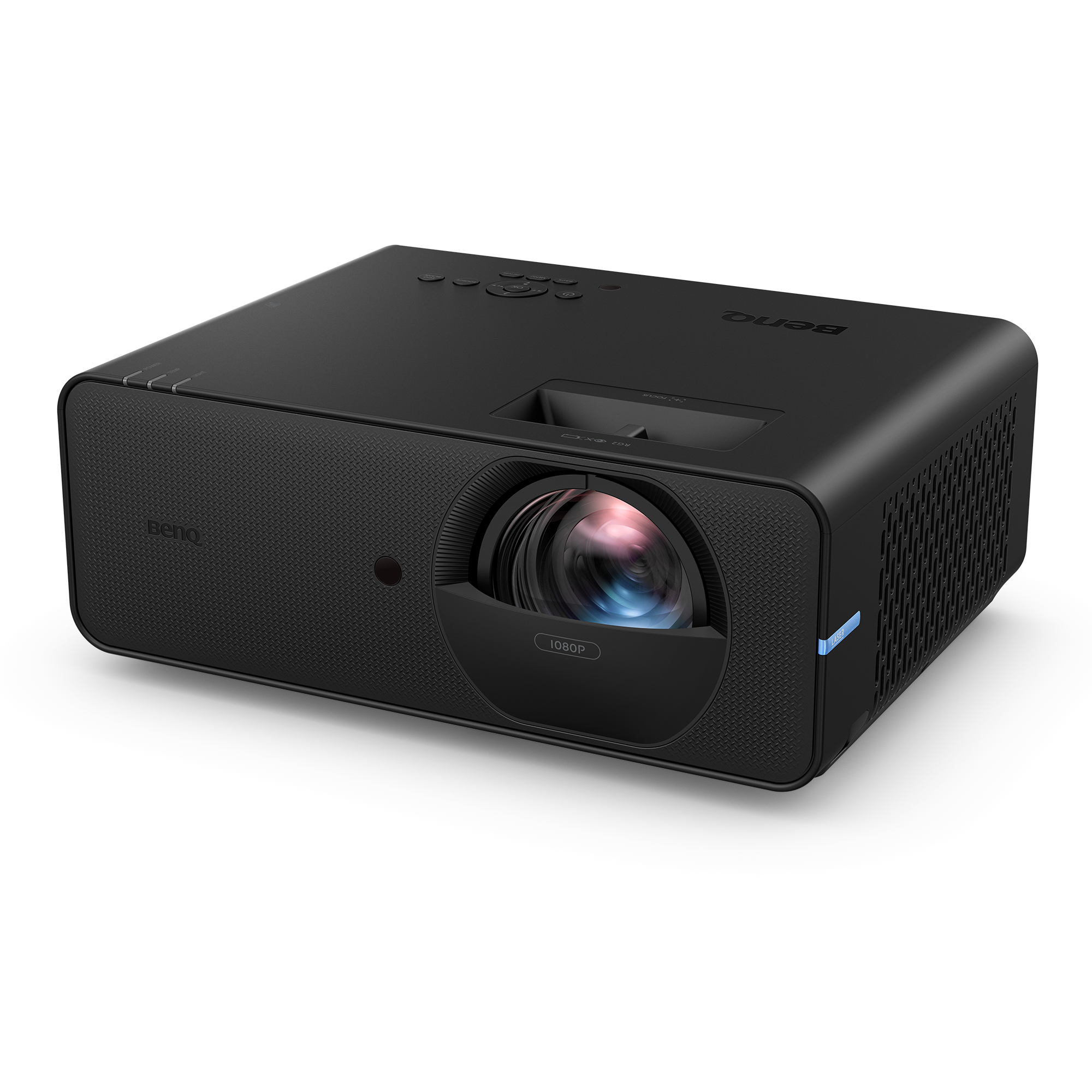
5,000-lumen 1080p at a fixed 0.5 throw.
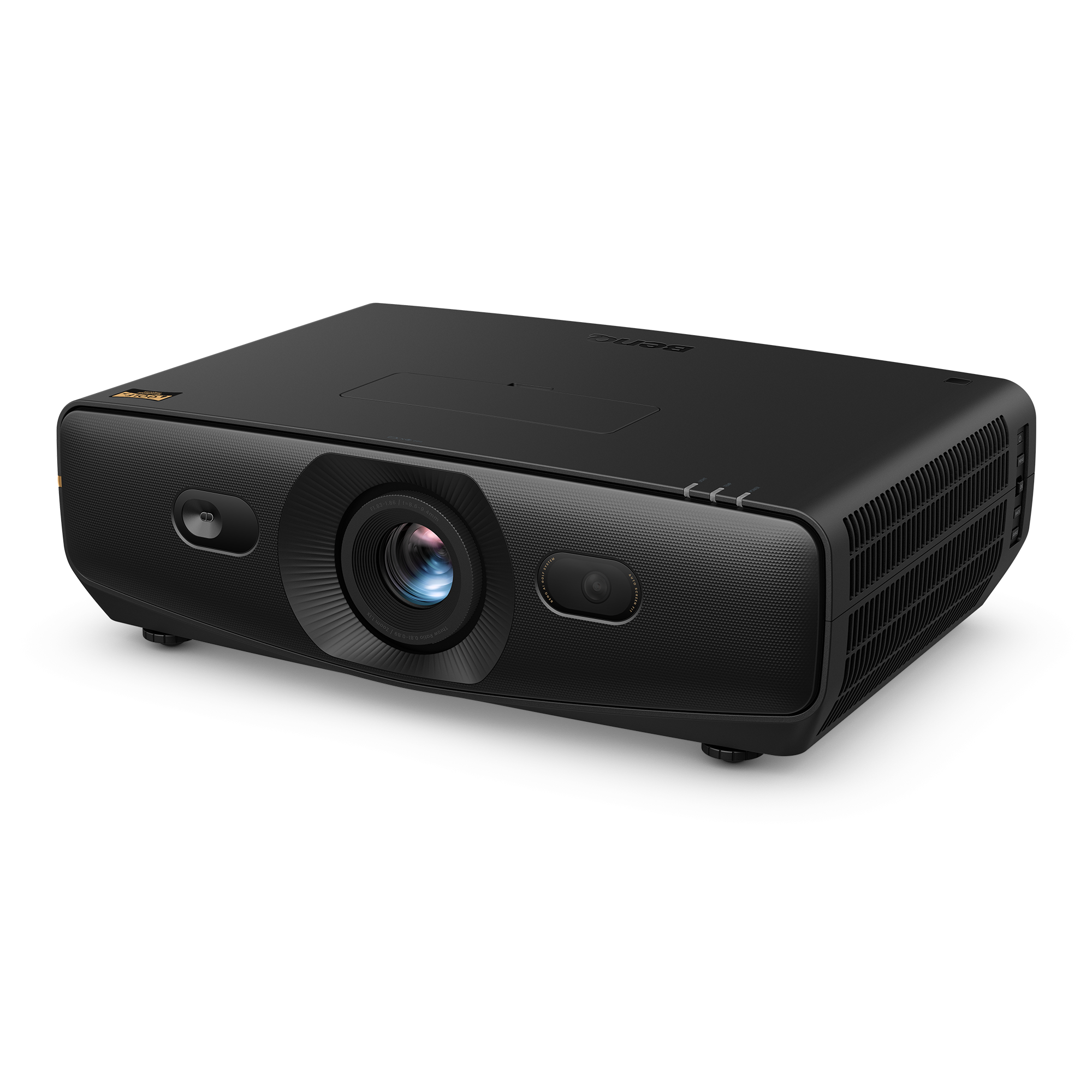
6,000-lumen 4K laser for large or bright bays.
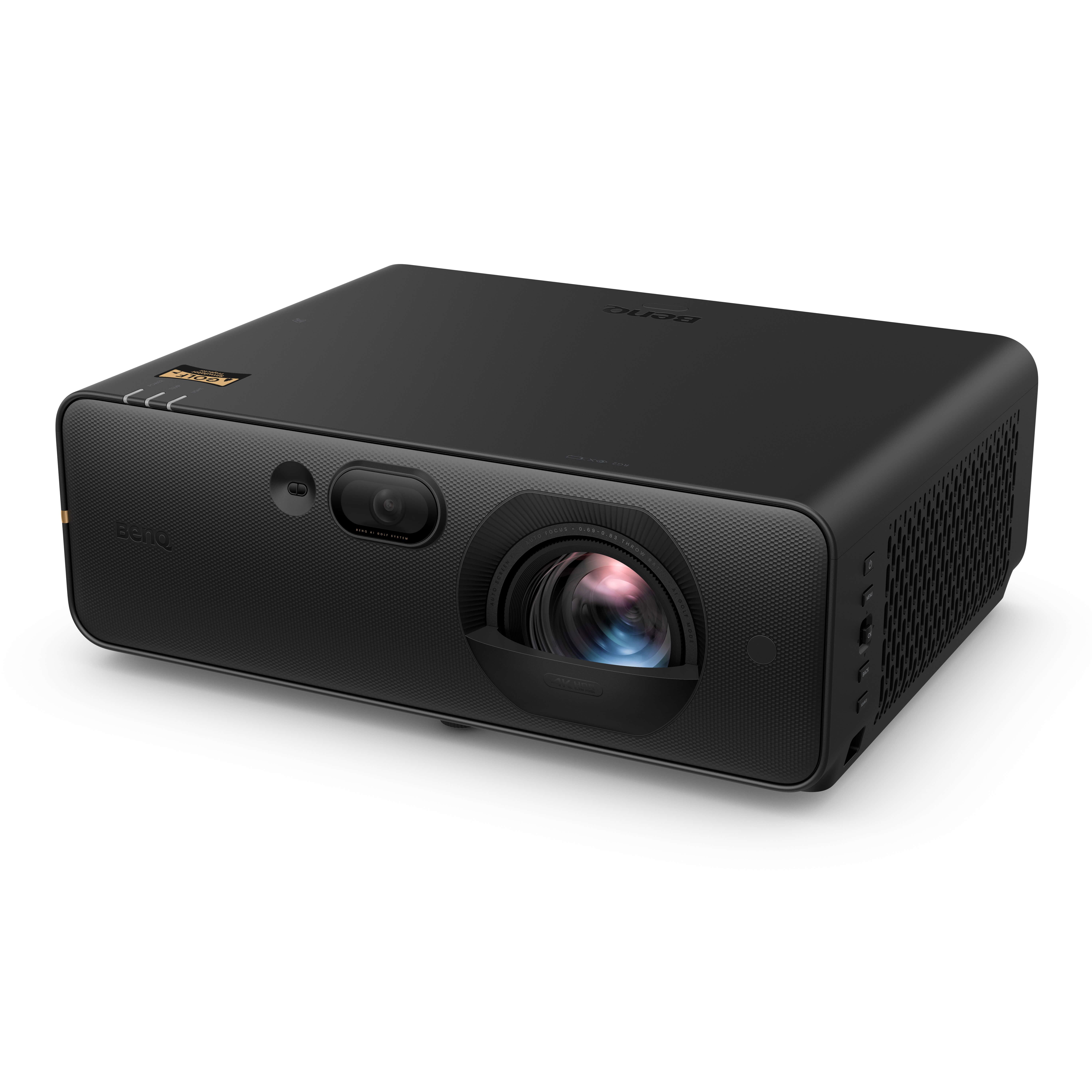
Bright 4K for large images and rooms with some ambient light.
The throw ratio is the distance from the lens to the screen divided by the image width. A 0.69:1 projector on a 10 ft wide image needs about 6.9 ft from lens to screen; a 0.83:1 setting needs about 8.3 ft. In a zoom model, the wide end is the closest mount and the tele end is the farthest. Add the projector body, cable clearance, and the hitting area behind the ball before you commit.
A dark, dedicated bay can use a 3,000 lumen projector with an 8–10 ft image. A garage with daylight or light walls needs more headroom: 4,000 lumens is a practical baseline, and 5,000+ helps when the image grows past 12 ft wide. Screen gain, projector mode, and laser or lamp age change the delivered brightness, so treat lumens as a starting point.
1080p is enough for practice and most simulator software. 4K helps when the image is large and the seating is close. Do not trade away brightness or throw range to get 4K in a room that cannot support the image size.
Golf bays often mount the projector behind the golfer and above the swing. Confirm vertical lens shift, horizontal shift, and the lens offset in the manual. The planner estimates lens height from the room and screen, but the final mount still needs a field check.
Model names, lenses, and availability vary by country. Use the manufacturer link on each card, and confirm the exact part number and throw range with the seller before ordering.
Enter your clear width, depth, and ceiling height in the 3D room planner, choose a screen, then pick a projector model. The planner sets the throw ratio, places the projector, and flags a mount that is too deep or too high. For the screen-size maths, read the screen size and throw distance guide.
Guide updated 28 October 2026. Sources: BenQ Golf Sim-room Planner and the individual BenQ product pages linked above. Confirm current specifications before purchase. How BayPlan checks specs
Depth is set by throw ratio. In this reference set the fixed 0.496:1 LK830ST and the fixed 0.499:1 AH500ST need the least distance from lens to screen, about 5 ft for a 10 ft wide image. Brightness is the second check: the AK900ST is the brightest here at 6,000 lumens for large images or ambient light, while the AK700ST and AH700ST offer 4,000 lumens for darker rooms. Confirm the current model, lens and regional availability with BenQ.
Most golf-simulator builds use a short-throw ratio between 0.5:1 and 0.9:1. Throw distance is the throw ratio multiplied by the image width. A 0.5:1 lens on a 10 ft wide image needs about 5 ft from lens to screen; a 0.9:1 lens needs about 9 ft. Check both ends of a zoom range, because the wide end sets the minimum depth and the tele end sets the maximum.
In a fully dark room, 3,000 lumens is workable for an 8–10 ft wide image. Larger images, light-coloured walls, or any ambient light need more: 4,000 lumens is a safer baseline, and 5,000+ helps in multi-purpose garages. Screen gain, lens mode, and lamp or laser age also change the real image brightness.
No. A 1080p projector is enough for practice and simulation at typical home screen sizes. 4K helps when the image is large or you sit close enough to see the extra detail. The bigger practical differences are brightness, throw ratio, lens shift, and mounting position.
Specs and images are transcribed from BenQ's golf-simulator planner feed and product pages, checked 28 October 2026. They are a dated reference, not a live feed. Confirm the current model, lens, throw range, and regional availability with BenQ before ordering or mounting.